
Video Lightbox Module for HubSpot Documentation
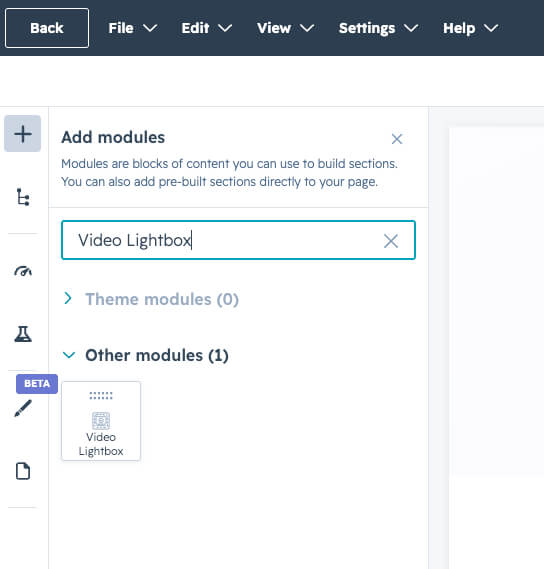
Add Video Lightbox module
After installing the module,
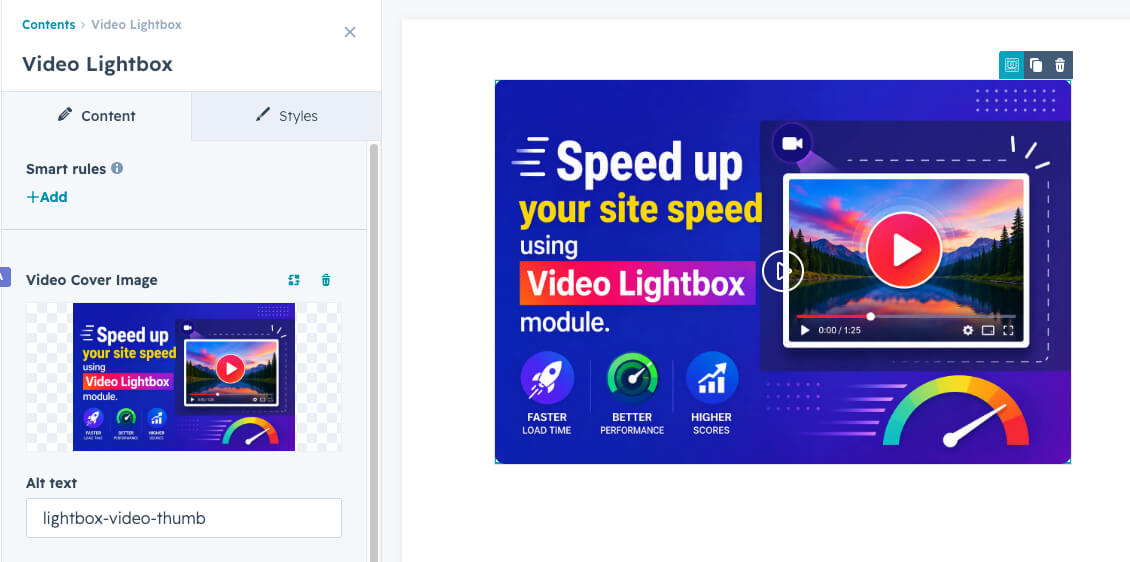
Upload or select video cover image.
From the first settings, "Video Cover image" upload or choose your image from hubspot media files.
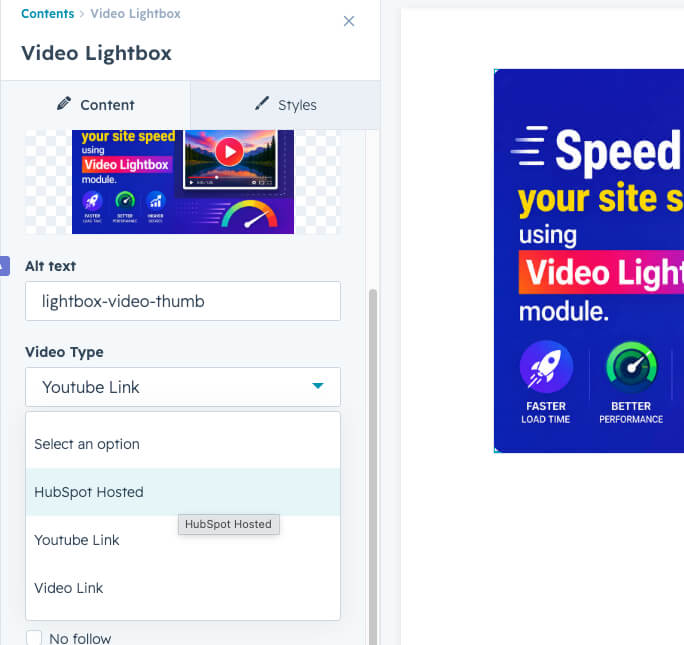
Select Video Type
From the dropdown list, select "Hubspot-hosted", "YouTube link", or "Video Link".
Then select the video or paste your video link in the link field.
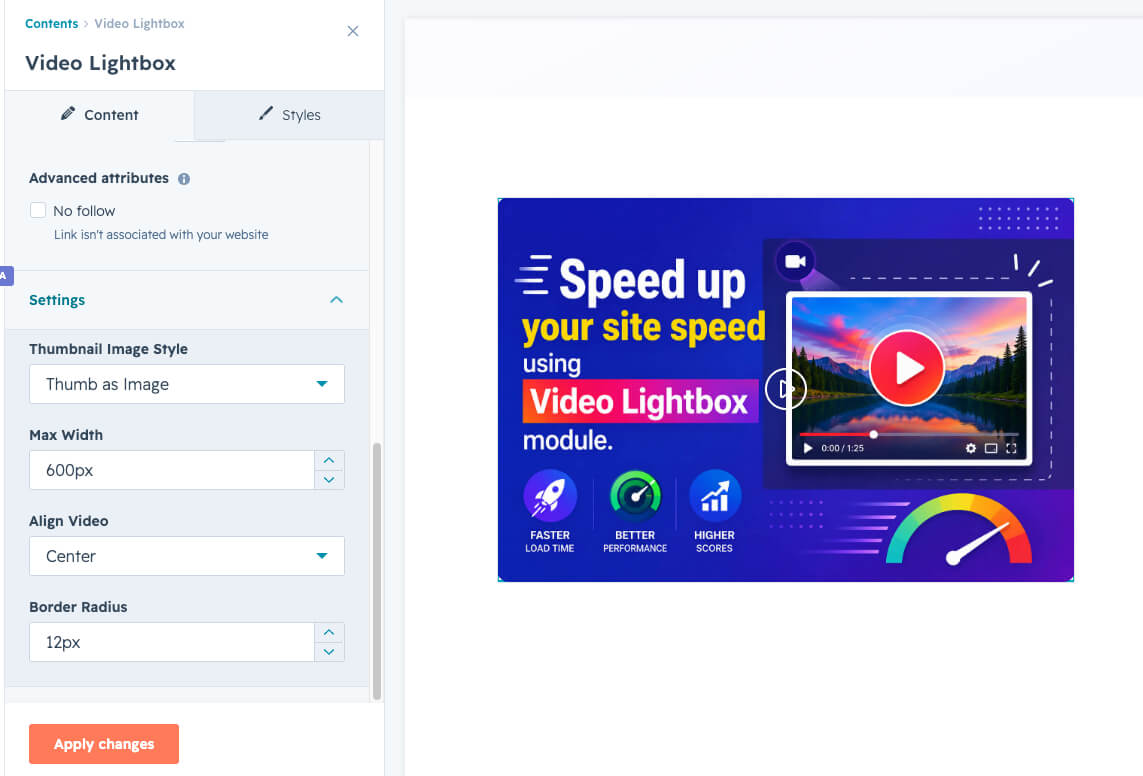
Settings
Select the style of your cover image to act.
You can set a maximum width.
You can align your video module if needed.
you can apply a border radious.