
In-Page Anchor Link
Documentation
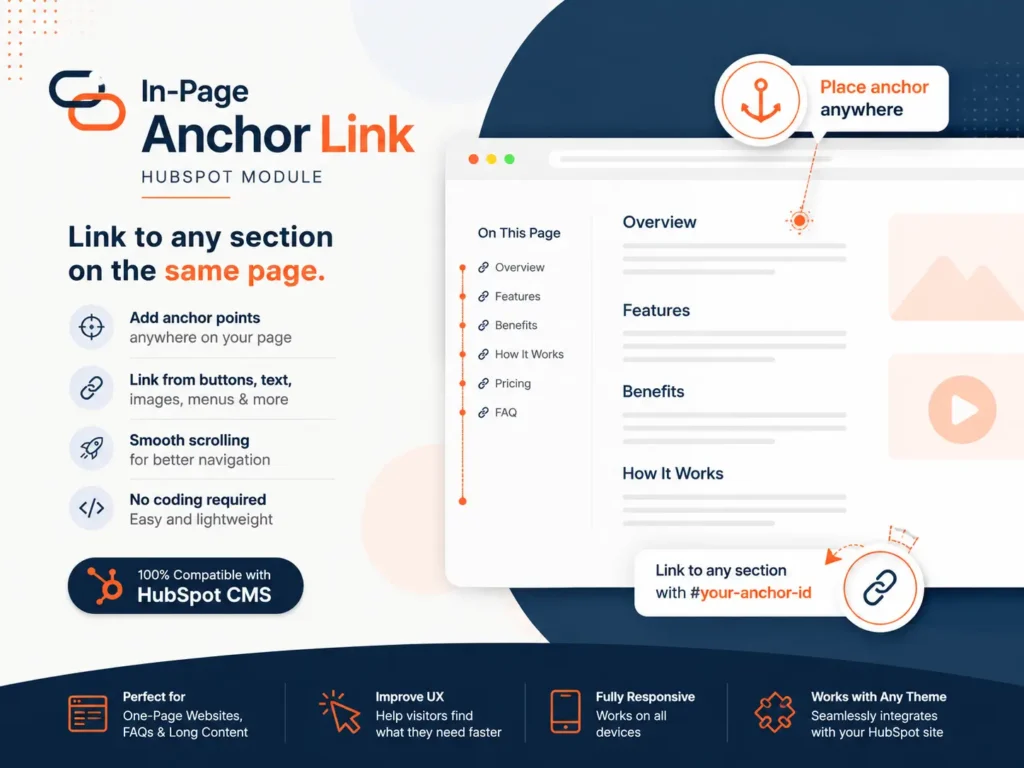
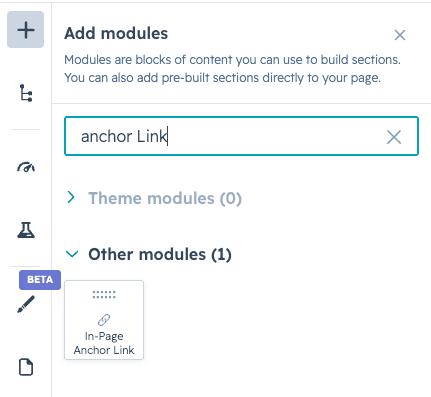
Add In-Page Anchor Link module
After installing the module,
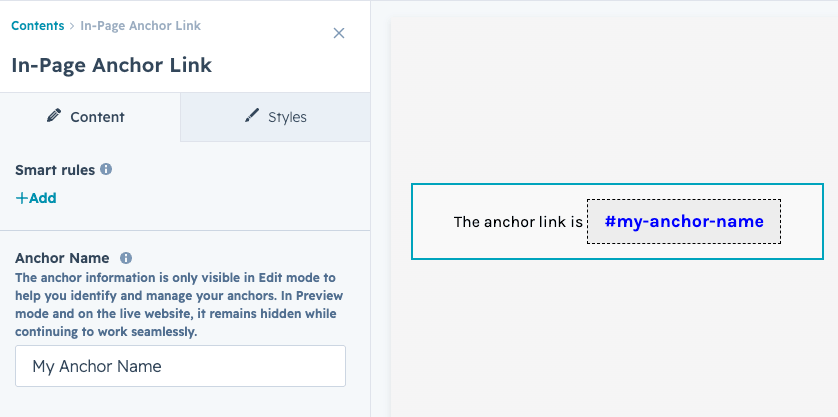
Assign a name to the point
Open the module settings and enter an Anchor Name for this location.
Once you've entered the name, the module will generate a unique Anchor ID, which appears in the module on the page. The ID starts with a # followed by a slug based on the name you entered.
Copy the blue Anchor ID and use it as the URL for any link, button, image, or other element you want to scroll to this location.
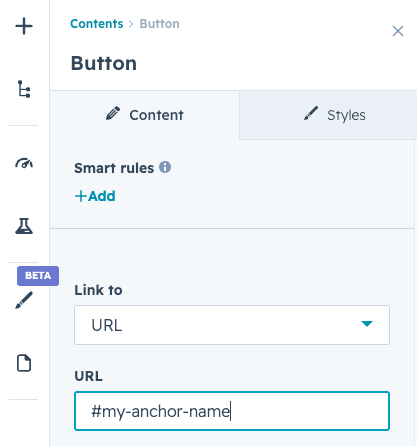
Any element that supports a URL
Set the Link to option to URL. A text field will appear where you can paste the copied Anchor ID or type it manually exactly as it appears (including the #).
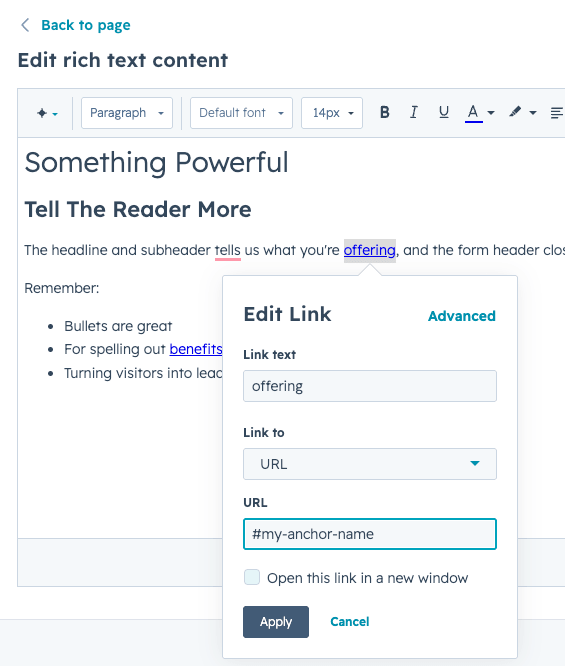
Link from Rich Text Module Content
Select the text you want to turn into a link. In the toolbar, click the Link icon to open the link dialog.
In the URL field, paste the copied Anchor ID or type it manually exactly as it appears, including the # at the beginning.